Learn how to foil at home like a PRO
DUST OFF YOUR MINC!
Create stunning foil designs — even if you're a complete beginner.
You will master:
- How to choose the right foil type, printer, and foil machine for the best results (no need to have equipment prior to the course)
- The exact printer settings that create clean, professional foiling
- How to foil cardstock, stickers, and other paper products step-by-step
- How to create multi-colored foil designs in Canva
- How to troubleshoot common foil problems like patchiness and over foiling
Need help designing?
- You will receive a doodle pack of 75 design elements + 4 ticket outlines
- You will be able to follow along as I show you how to design 3 projects in Canva
What's Included In The Course...
(32 lessons, 2+ hours)
MODULES 1-4
Deep Dive on Supplies
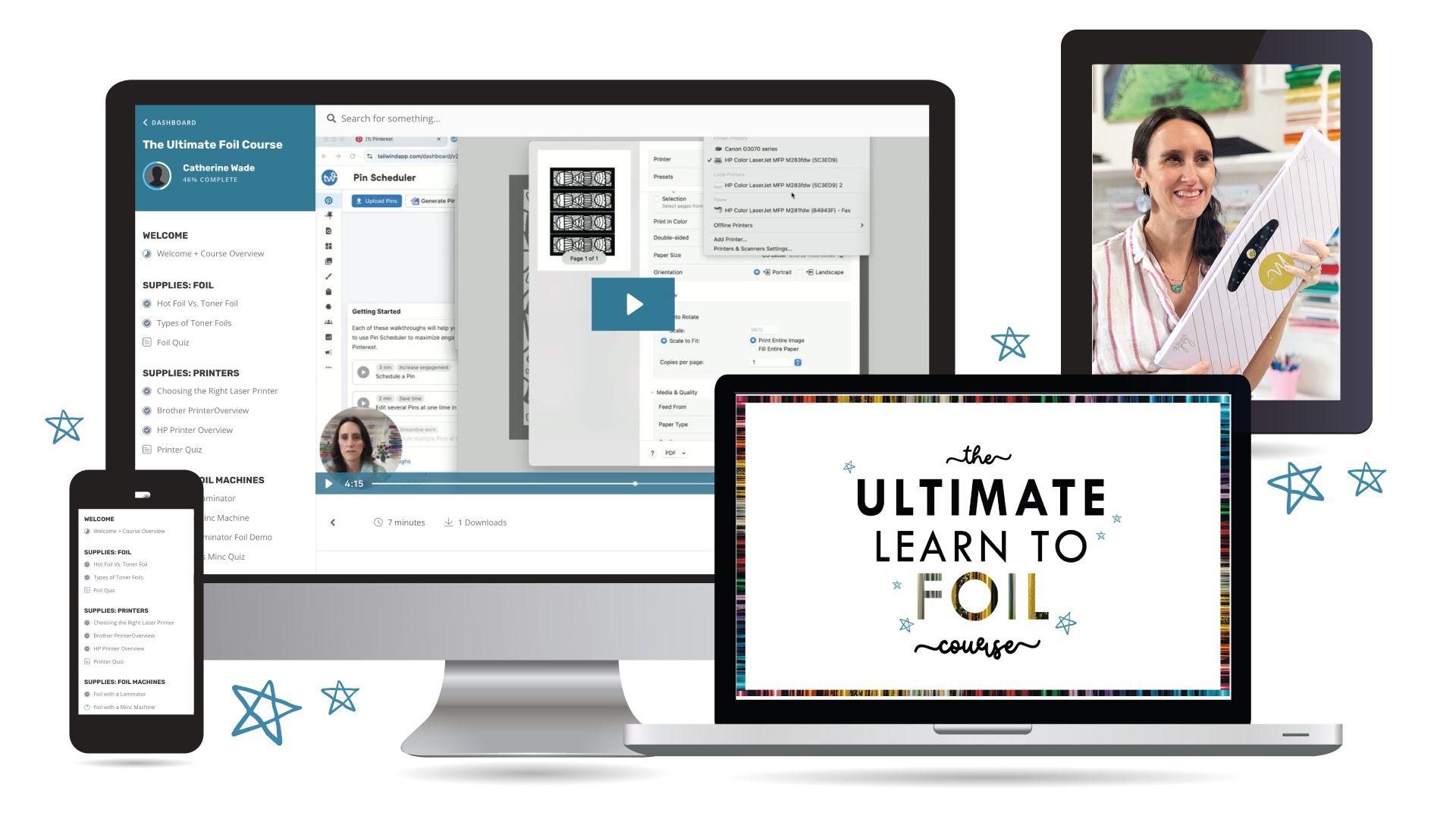
You do not need equipment to start! In these first modules, we’ll break down the essential tools and materials needed, including
-
The different types of foil and how to choose the right one for your project
-
Printer options and what kind of printer is needed for toner reactive foil
-
Various foil machines, including both laminators and the Minc
-
The extra supplies that make the process smoother and improve your results
By the end of these lessons, you’ll have a clear understanding of the supplies needed to foil, and how to search for the right supplies in your area.
MODULE 5
The importance of Print Settings
Getting your printer settings right can make the difference between patchy foil and flawless results.
Inside this module, you’ll learn:
-
The exact settings to choose in your printer dialogue box
-
Step-by-step screen demos so you can follow along
By the end of this module, you’ll know exactly how to set up your projects so your print is dark enough for the foil to adhere to.
MODULE 6-8
Create Foil Designs on Cardstock and Stickers, and with Multiple Colors
Inside these modules, you’ll learn:
-
How cardstock weights, colors, and finishes can affect your foil results
-
How different sticker materials need different heat settings
-
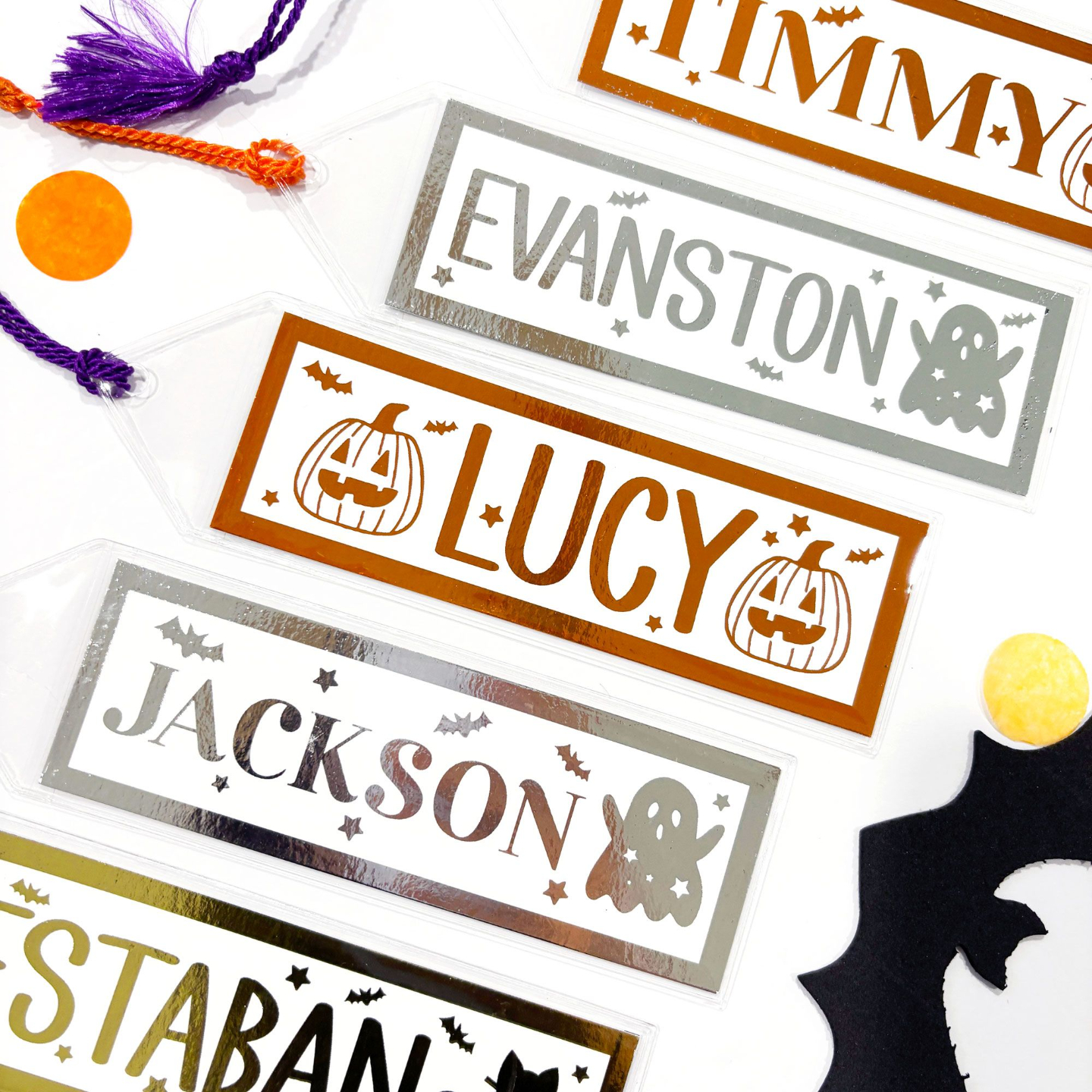
Step-by-step foiling demos on different papers and colors of both cardstock and stickers
-
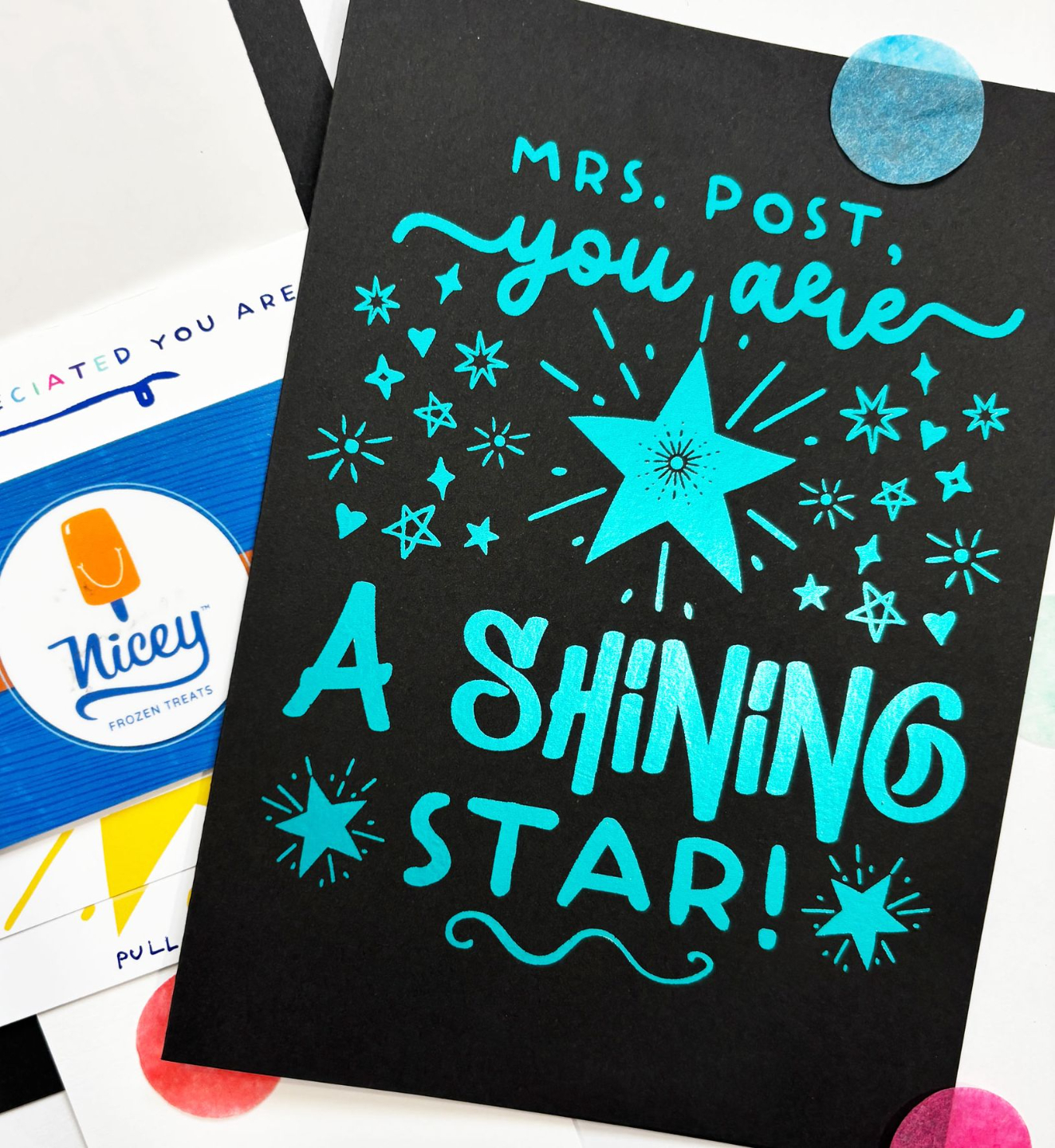
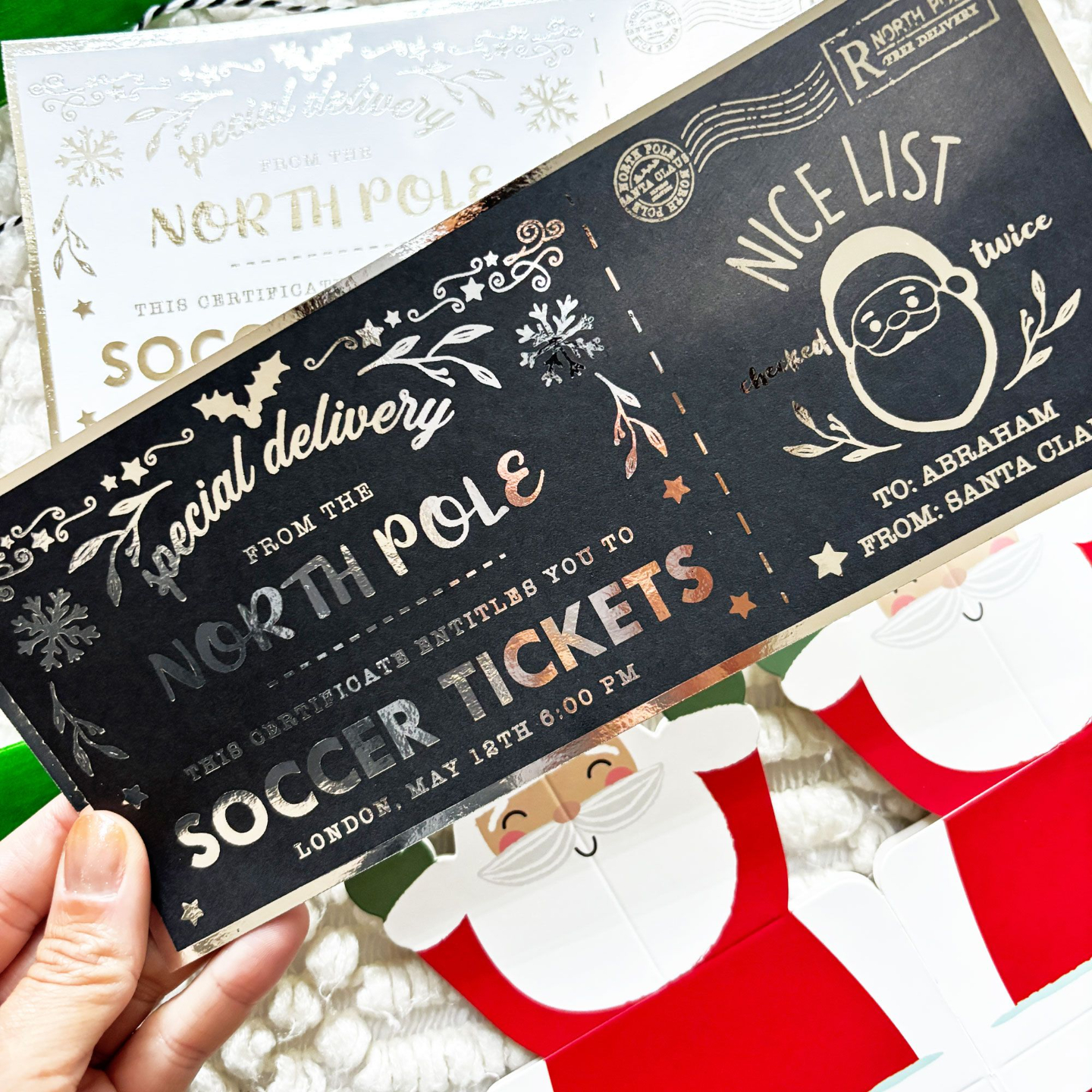
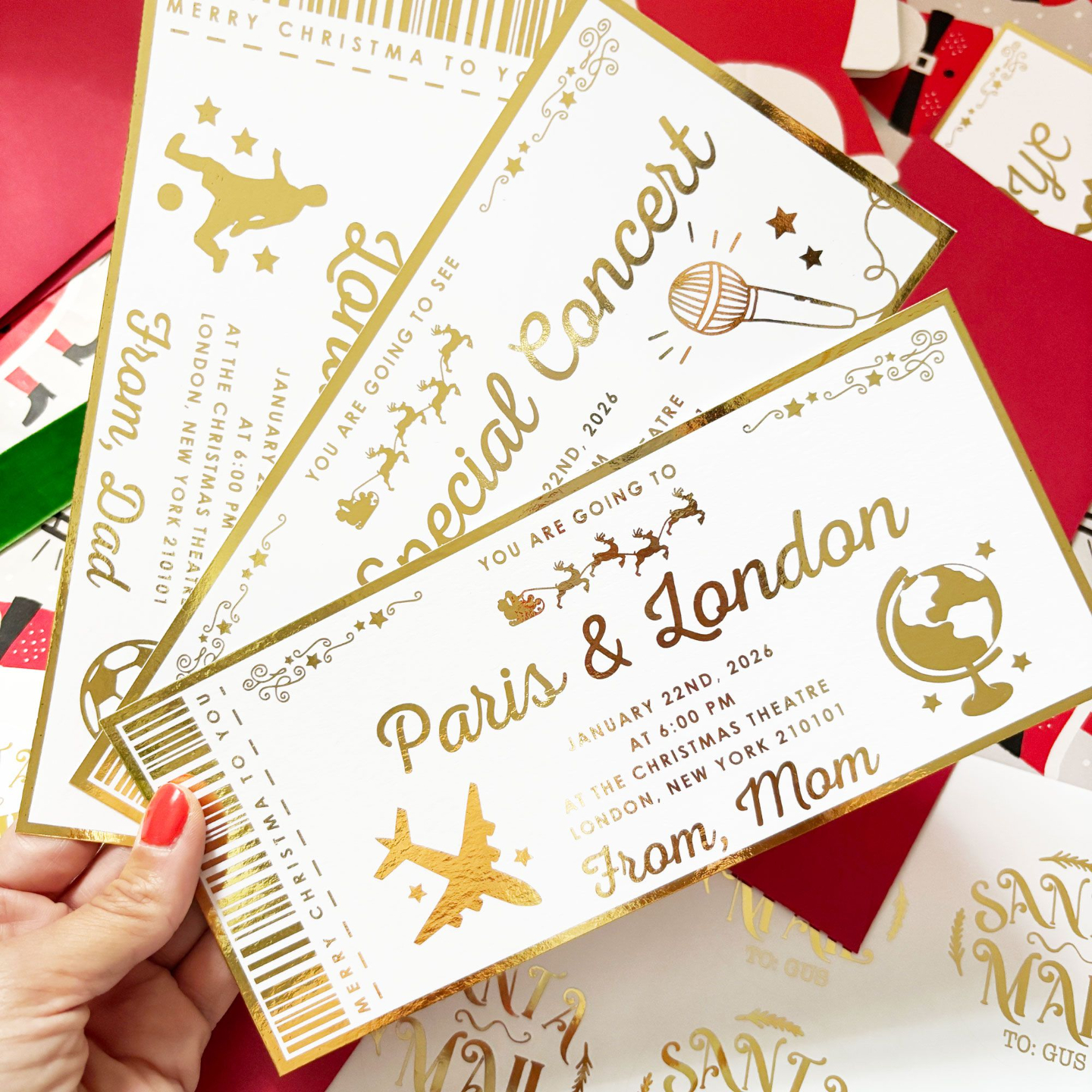
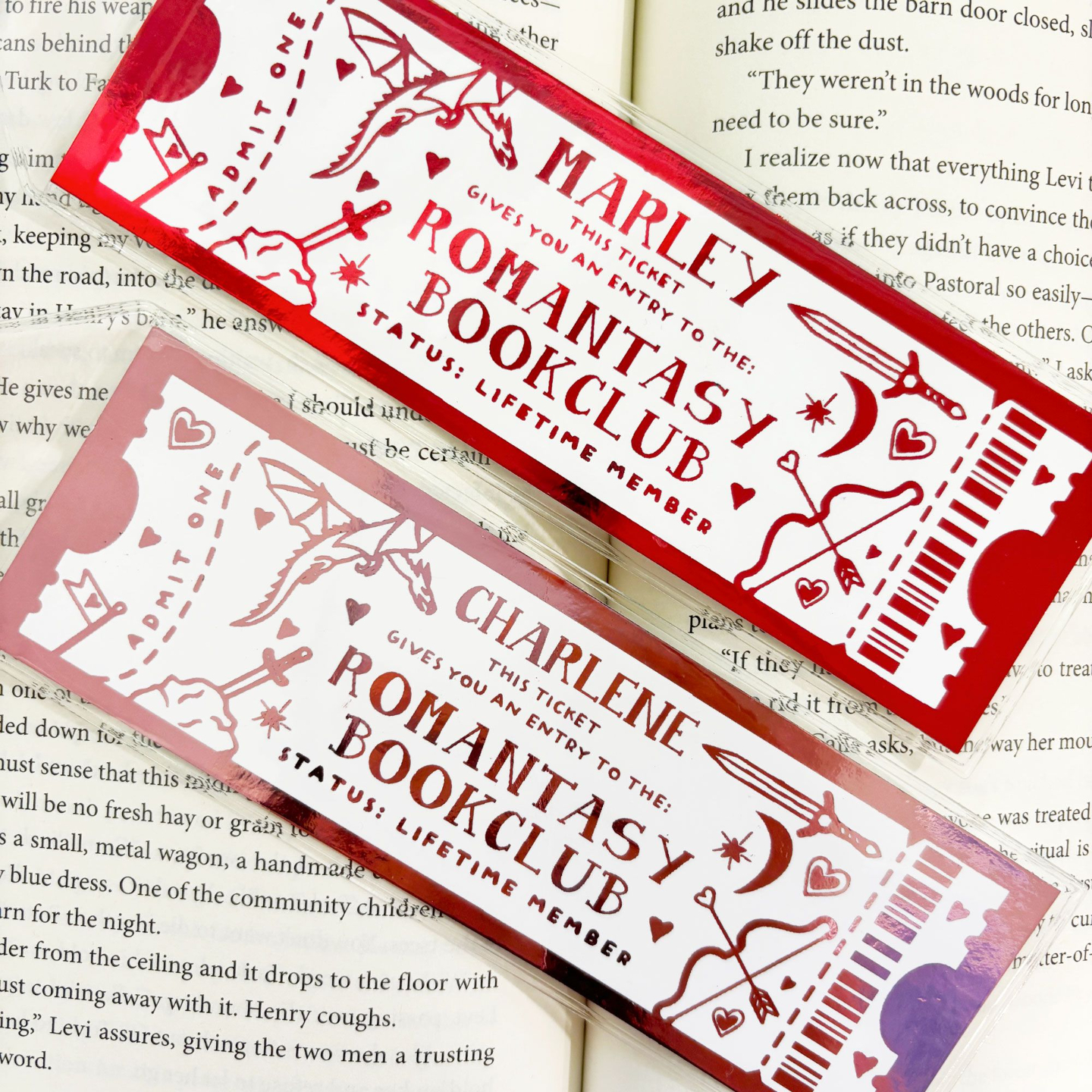
How to design birthday stickers and a foiled ticket in Canva
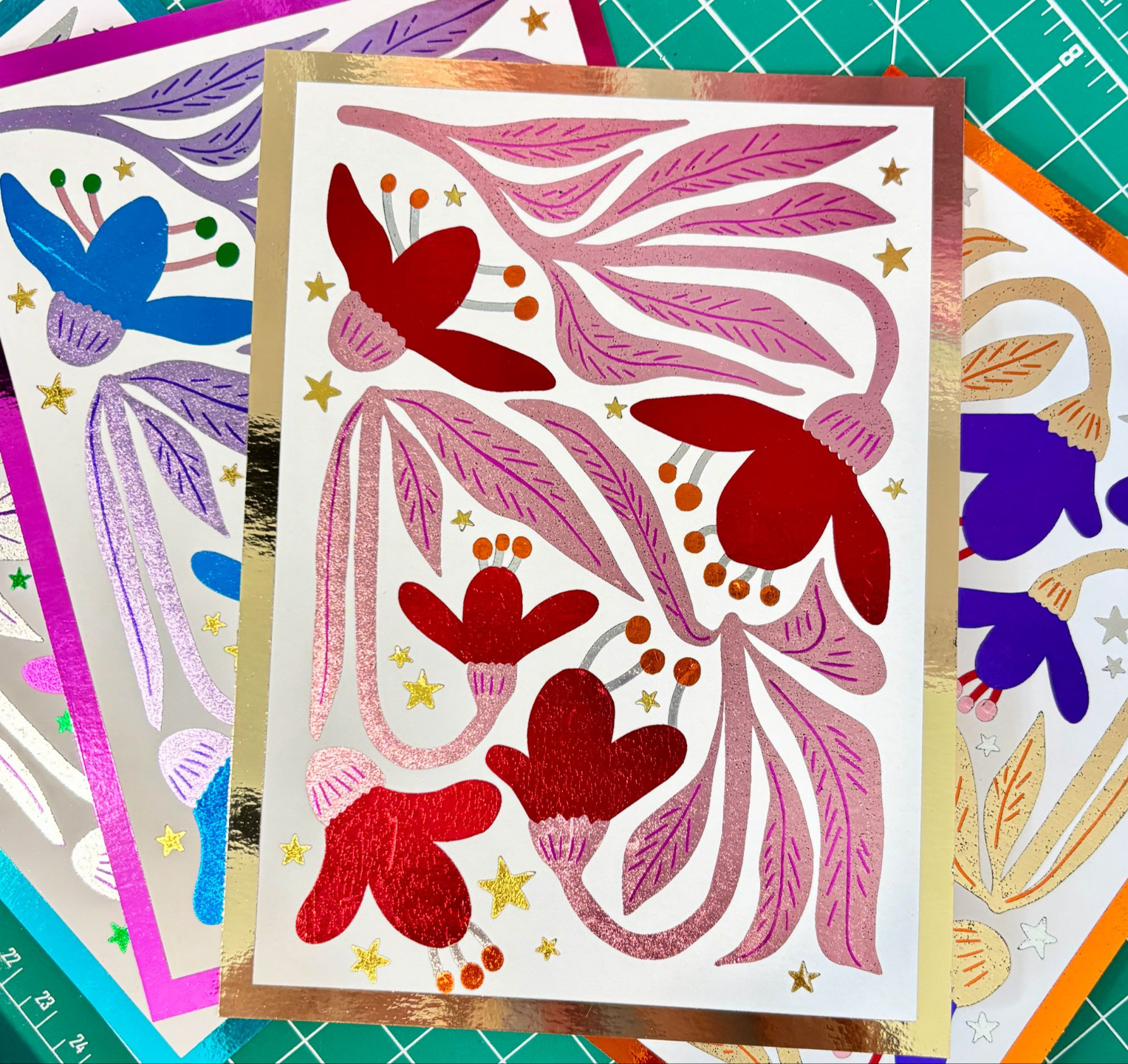
- A full demo where we create a floral greeting card with several foil colors
- How to set up a Canva document for multi-colored foiled prints
By the end of these modules, you’ll know exactly how to design and foil your own stickers, and paper goods. Plus, you will know how to create pieces with more than one color of foil!
MODULE 9 + BONUS MODULE
FAQ's + Bonus Lessons
Inside these modules, you’ll get
-
Video answers to 5 of the most common questions
-
Bonus lessons on: how to foil without a laser printer and how to add color from an inkjet printer to the mix
- An introduction to Canva for COMPLETE beginner designers where we create a simple bookmark
This course is perfect for you if...
-
You’ve always wanted to create beautiful foiled stationery
-
You’ve struggled with patchy or inconsistent foil results
-
You have never foiled before and want to learn
NICE TO MEET YOU
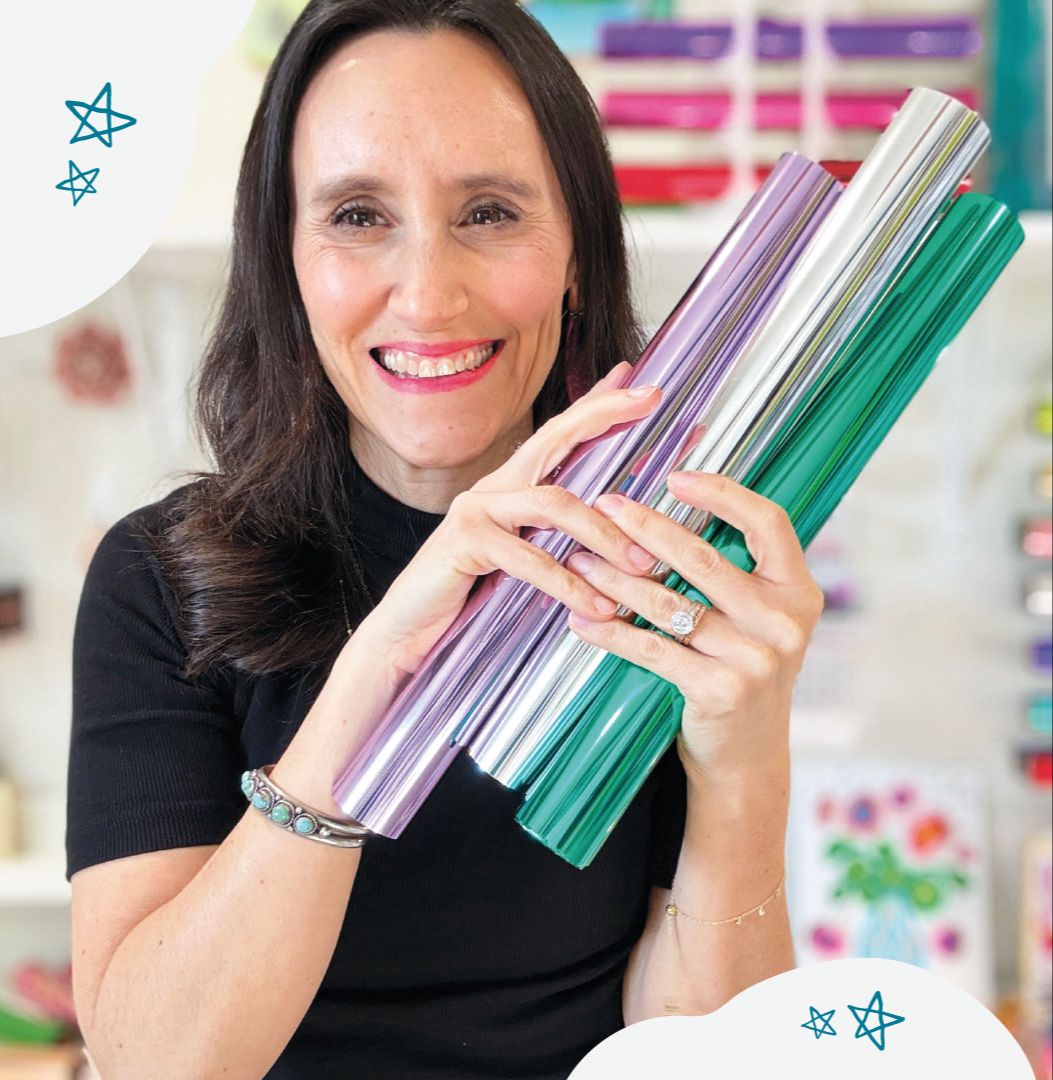
I'm Catherine!
I’m an artist, maker, and educator, and the founder of Punch of Color, a multiple six-figure Etsy shop featured on CNN with over 35,000 sales and over 5k five-star reviews.
I discovered the magic of foil crafting and turned it into a highly successful product line, generating $15K in my very first Q4 selling foiled products.
Now, I teach creators like you how to design and foil professional-quality projects from home, even if you’re starting as a complete beginner.
I’m so glad you’re here—let’s add a little color, creativity, and confidence to your creative journey!
Q and A
Do I need certain supplies to take this course?
Not at all! This course is self-paced with lifetime access. You’ll learn which supplies work best with this foil process, so you can wait to buy them until after those modules and follow along with the demos.
I’m not a designer… will I be able to follow the tutorials?
Absolutely! The tutorials are geared toward complete newbies using the free version of Canva. There’s even a bonus lesson where we create a super simple bookmark for anyone who wants an extra easy start.
What if I follow the course and still get bad results?
I am here to help! Send me a photo and I’ll help you troubleshoot so you can get the results you want.
How long will it take me to complete the course?
The course is over 2 hours of step-by-step tutorials. It’s completely self-paced, so you can pause, rewind, and come back anytime you need.
Do I need a Cricut or other foiling machine?
Nope! The foil process I teach does not use a Cricut - that’s a totally different kind of foiling. For this course, all you need is a laser printer, a laminator or Minc, and foil. I’ll also show you exactly which supplies work best so you don’t waste money on the wrong stuff.
Is this course self-paced or live?
Self-paced!
Will the course be updated in the future?
Yes! I’ll update the course whenever materials, tools, or techniques change, and as we all discover new tips and tricks—so you’ll always have the latest info.
Do you cover selling?
No, I do not. You should look at my Design to Sell Foil Course.
Do I need prior foil experience?
Nope! This covers EVERYTHING you need to know to get started with toner foil, and how to get clean professional results.
Do you offer refunds?
Because this course gives instant access to all content, I'm unable to offer refunds. But, please feel free to reach out if something comes up...we are all human and I know things happen.