Create professional foil designs that are ready to sell
YOU'LL BE A GRAPHIC DESIGNER IN NO TIME
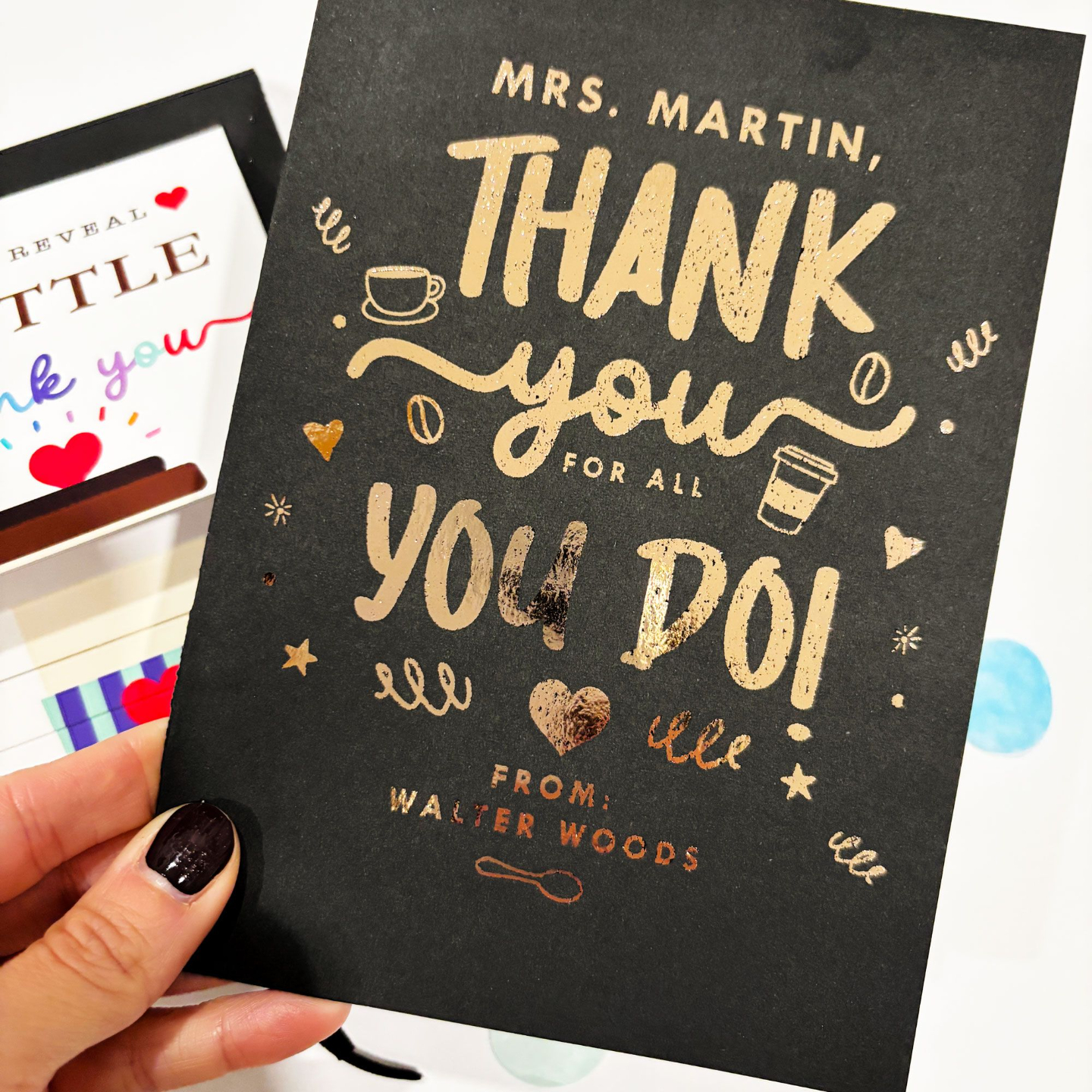
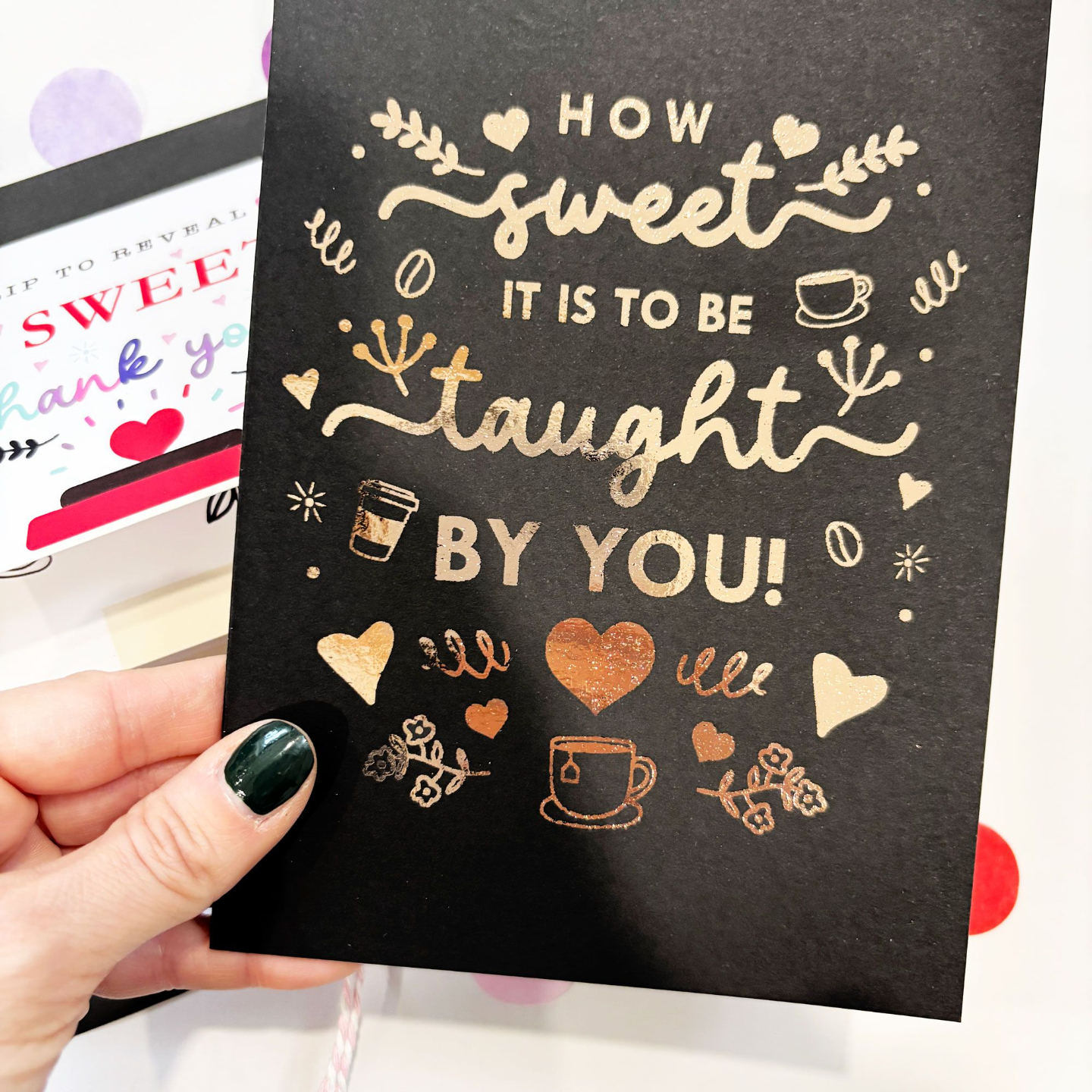
Design stunning foil artwork for products and prints - even if you're a complete beginner.
After this course, you will master...
- How to search for design ideas that actually sell on Etsy
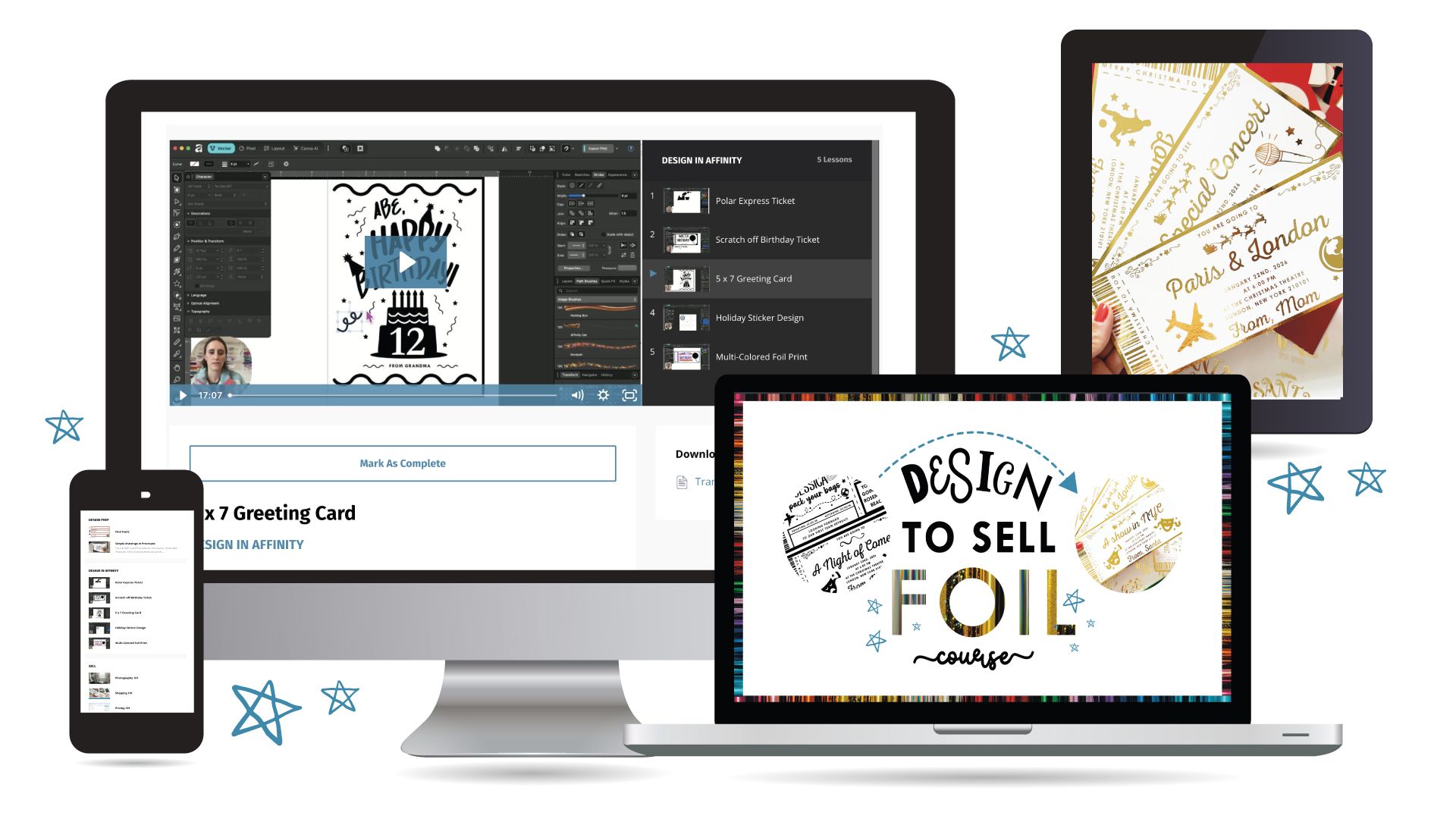
- 5 in-depth tutorials where we create foil-ready designs step-by-step in Affinity Designer
- How to create simple doodles in Procreate and Affinity with a pencil tool to use in your designs
- The importance of a balanced art composition
- How to use the layers panel in Affinity to create a multi colored foil design
- How to combine fonts, simple shapes and vector drawing layouts to create foil designs
- How to price, package and photograph you work
Yes, You Can Create Beautiful Designs to Sell!
Inside the Design to Sell Foil Course, I’ll walk you through the exact process I use to find design ideas and turn them into foil designs. You’ll learn how to create designs step-by-step in Affinity, add simple hand-drawn elements, and prepare your products to confidently sell in your shop. You will be able to create your OWN unique designs after this course, so your products stand out from the rest.
ENROLL NOW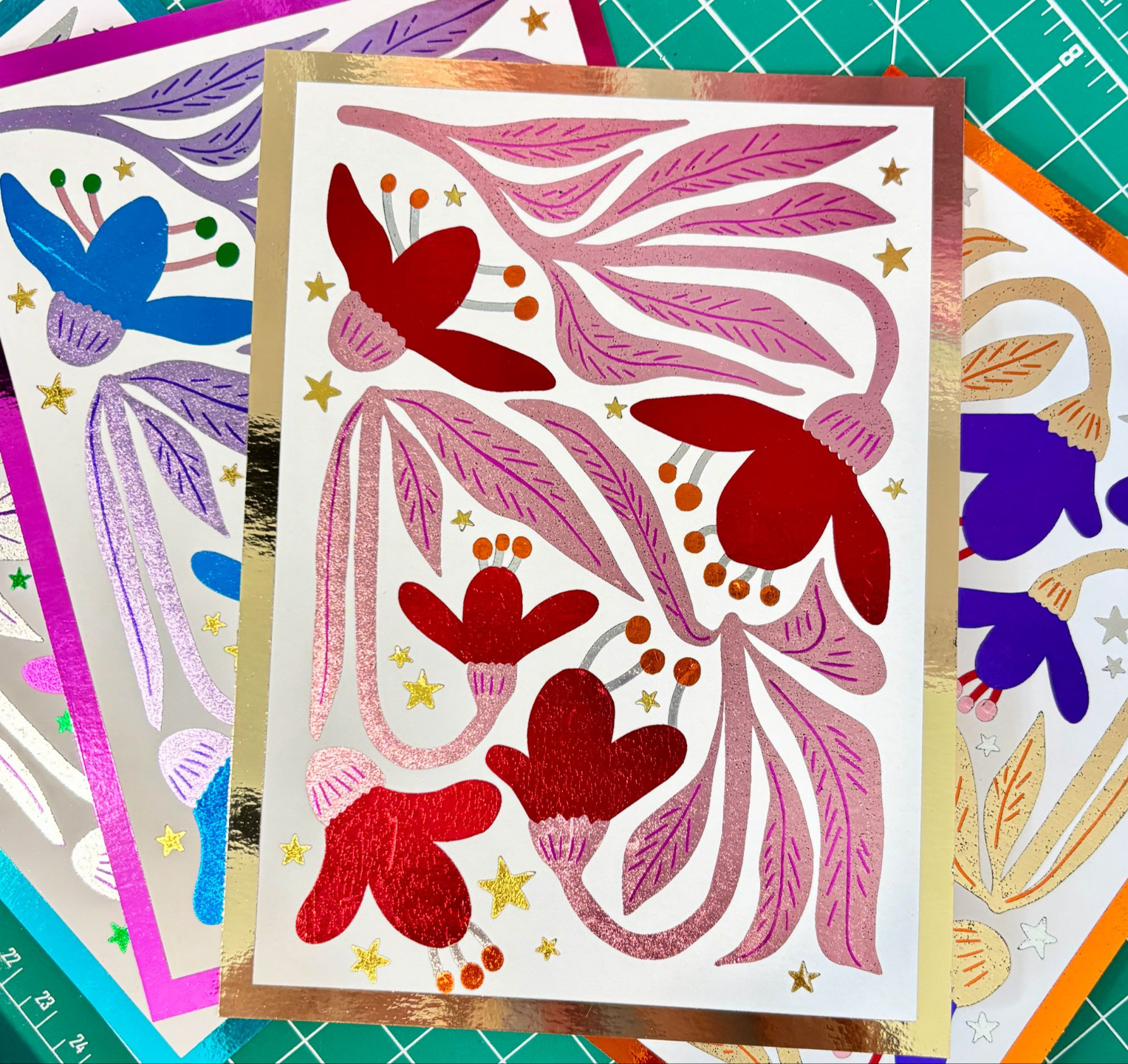
Not sure how to set up files to create layered foil pieces?
- I will walk you through how to use the layers panel in Affinity to set up your artwork for multiple colors of foil
- No more guessing how people make gorgeous artwork with more than one color of foil!
What's Included In The Course...
(13 lessons, 2+ hrs)
MODULE 1 -2
Design Preparation
Great foil designs start with the right building blocks.
Inside these modules, you’ll learn:
-
Where to find beautiful fonts that work well for foil designs
- How to draw simple doodles in Procreate that you can use in your foil artwork
- How to search Etsy to uncover design ideas and product niches with strong demand
- How to create a balanced composition
- In depth walk through of the pencil tool in Affinity
Procreate is not required for this course! This is the only module where we will focus on the app.
MODULE 3
Tutorials
I will walk your through 5 in depth Affinity tutorials where I show you exactly how to create designs from scratch.
The tutorials included are:
-
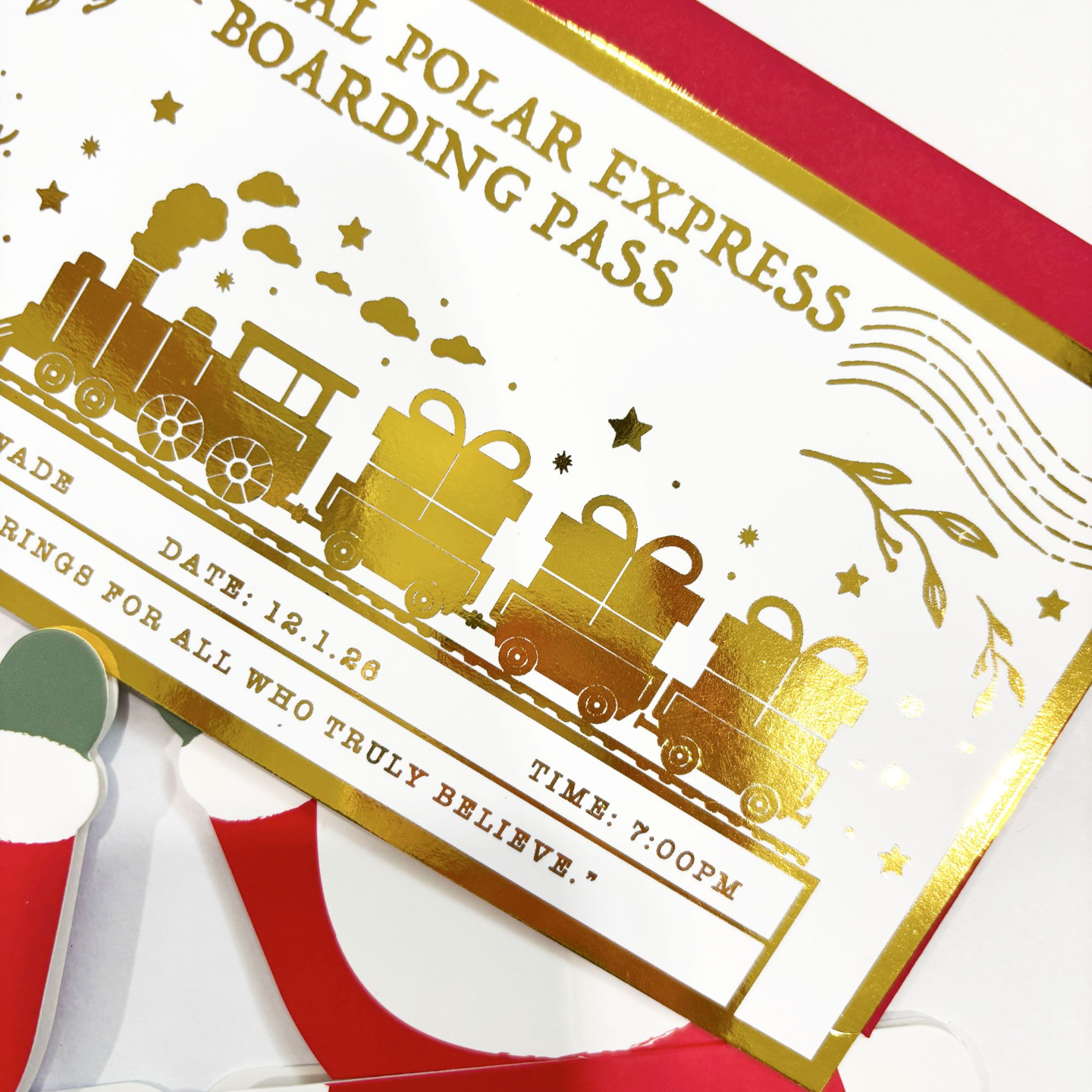
Tutorial 1 (20 min): In this tutorial, you’ll learn how to turn imported artwork into clean vector designs using Affinity’s Image Trace feature. We’ll use this skill to create a festive Polar Express ticket that’s ready for foiling.
- Tutorial 2 (16 min): In this tutorial, you’ll learn how to design a fun scratch-off birthday ticket using only shapes and the Pencil Tool in Affinity. I’ll guide you step-by-step so you can create a polished, professional-looking ticket entirely from scratch.
- Tutorial 3 (17 min):In this tutorial, you’ll learn how to create a 5×7 greeting card template in Affinity and use text tools and shapes to design a simple yet eye-catching Happy Birthday card.
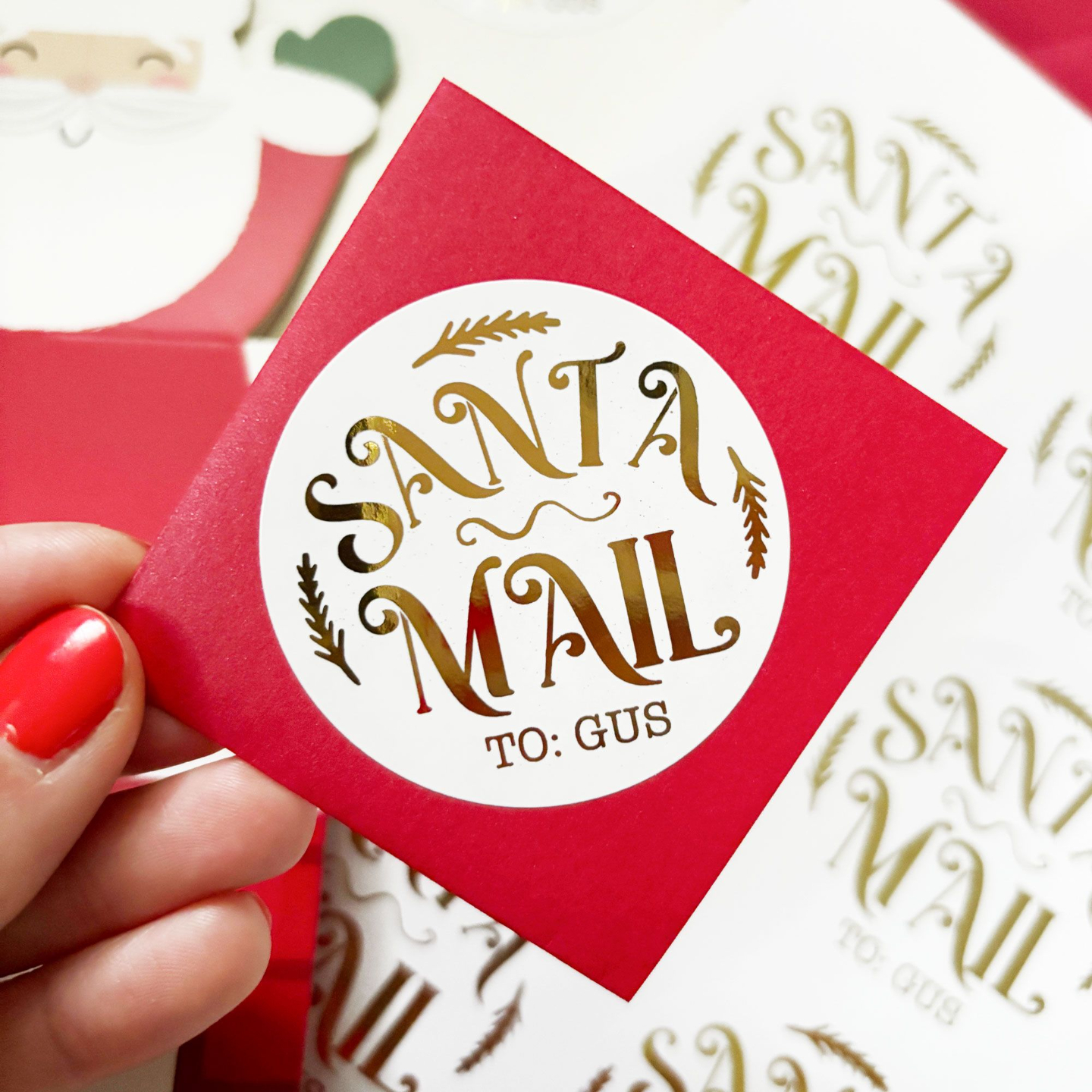
- Tutorial 4 (14 min): In this tutorial, we’ll design a sheet of festive holiday stickers from start to finish. You’ll learn how to import a sticker template into Affinity, create curved text for playful sticker designs, and make sure everything is aligned properly for at home printing.
- Tutorial 5 (13 min): In this tutorial, you’ll learn how to take a single design and set it up for three different foil colors using the layers panel in Affinity. I’ll show you how to organize your layers so each color foils perfectly and your final design looks crisp and professional.
-
Bonus Tutorial: In depth walk through of the Pencil tool in Affinity
MODULE 4
Selling 101
Inside these modules, you’ll learn:
-
How to make your foil products look beautiful in photos, from a home set up. I’ll show you the best lighting setups and you’ll discover how to use everyday items from around your house to create beautiful, styled images that make your products stand out.
-
How to package and ship your paper-based foil products safely and professionally.
-
How to price your foil products for Etsy so you make a profit while staying competitive.
This course is perfect for you if...
-
You’re already confident with foil techniques but want to improve your design skills
-
You’re ready to dive into a more advanced design program and take your graphic skills to the next level
-
You currently sell paper-based products—or want to start—and want to create sellable, one of a kind designs
NICE TO MEET YOU
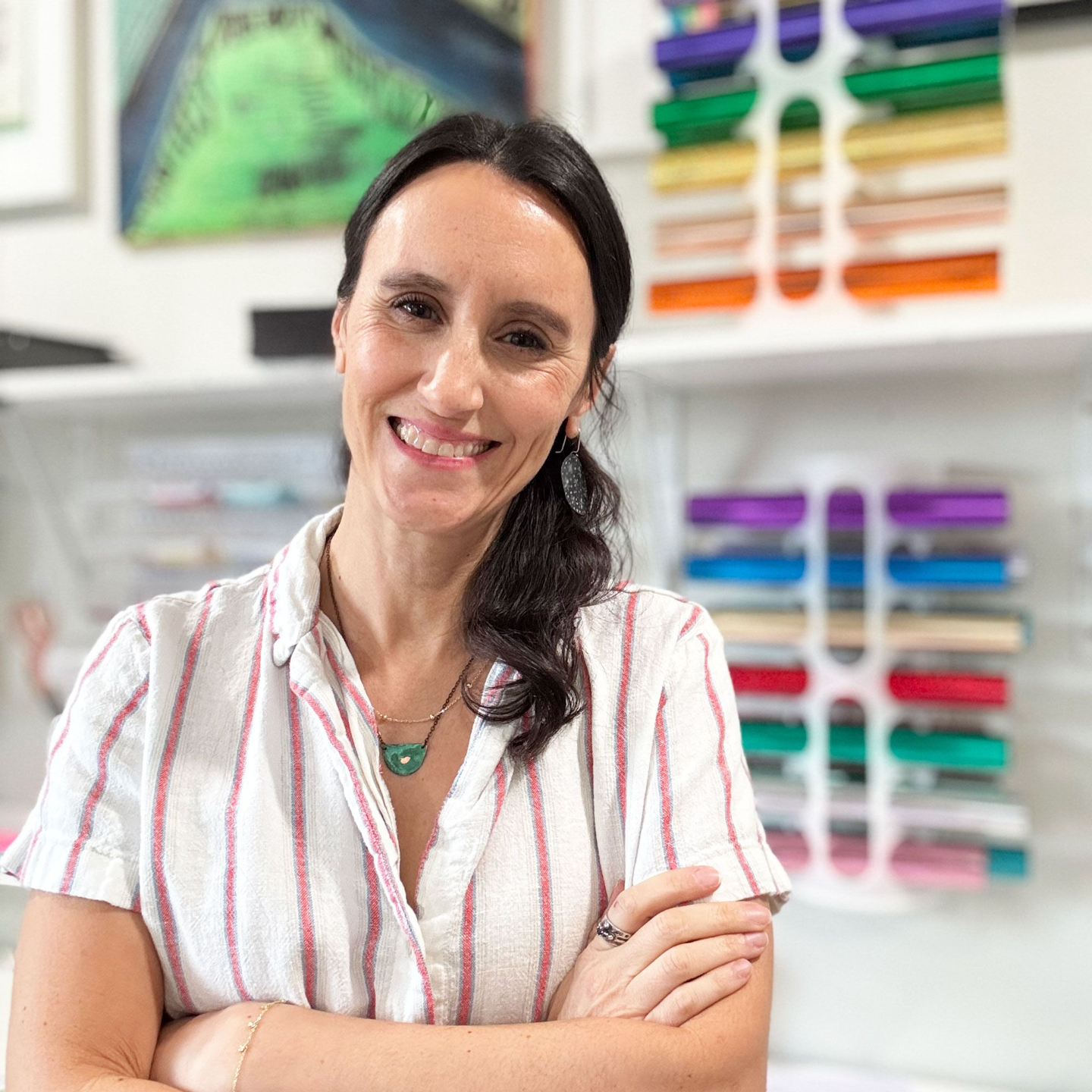
I'm Catherine!
I’m an artist, maker, and educator, and the founder of Punch of Color, a multiple six-figure Etsy shop featured on CNN with over 35,000 sales and over 5k five-star reviews.
I discovered the magic of foil crafting and turned it into a highly successful product line, generating $15K in my very first Q4 selling foiled products.
Now, I teach creators like you how to design and foil professional-quality projects from home, even if you’re starting as a complete beginner.
I’m so glad you’re here—let’s add a little color, creativity, and confidence to your creative journey!
Q and A
Will this course teach foiling techniques?
Nope - this one is all about designing and selling. Foiling is not covered here. If you want to learn how to foil, I would suggest the Foil Bundle.
Do I need Procreate to take the course?
Not at all. We only use Procreate for one lesson, and the design from that lesson is yours as an SVG. The rest of the tutorials are in Affinity Designer.
How much is Affinity?
It’s free! That’s what we’ll use for all the tutorials.
I’m not a designer… can I still do this?
Yes! I’ll show you how to use simple shapes and text to make your designs look polished, even if you’ve never done this before.
Can I sell the designs we make in this course?
I always recommend putting your own spin on things. In this course, you’ll learn techniques to create unique, one-of-a-kind designs that are all yours.
How long will it take me to complete the course?
The course is over 2 hours of step-by-step tutorials. It’s completely self-paced, so you can pause, rewind, and come back anytime you need.
Do you offer refunds?
Because this course gives instant access to all content, I'm unable to offer refunds. But, please feel free to reach out if something comes up...we are all human and I know things happen.